Home server
My old Windows laptop, reborn as a home server with network-attached storage.
- Ubuntu
- NAS
- SSH
- Networking
- COMMITS
- 6
- FIRST
- Jul 2023
- LAST
- Oct 2026
- ACTIVE MONTHS
- 2
Home Server
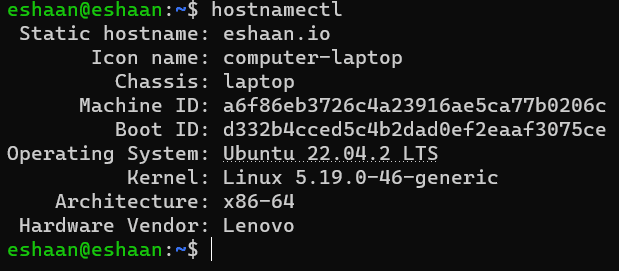
An old Lenovo laptop, reborn as an always-on home server. It runs Ubuntu Server, lives on the shelf with the lid closed, and does three jobs: it is reachable from anywhere over SSH, it serves my website over Apache, and it acts as network-attached storage for every device in the house.
What it does
- Remote shell. OpenSSH on a non-default port, so I can administer it from a phone or any laptop without being in the same room.
- Web hosting. Apache serves the production build of a React site straight from the box, so a project can go live without paying for hosting.
- Network storage. Samba shares a folder to every machine on the LAN. It shows up as a normal network drive on Windows, macOS and Linux, which makes it the house's shared disk for files and media.
- Costs nothing. The hardware was already here. A laptop has a built-in battery, a built-in display for emergencies, and idles at a few watts.
Why Ubuntu and SSH
Ubuntu Server is stable, well documented and has a package for everything I wanted to run. SSH gives an encrypted shell from anywhere, so nothing on the box ever needs a keyboard and monitor plugged in after the first boot.
Part 1: Ubuntu and SSH
With Ubuntu installed, the first service to bring up is SSH.
-
Update the package index.
textsudo apt update -
Install the OpenSSH server. The service starts on install.
textsudo apt install openssh-server sudo systemctl status ssh -
Move SSH off the default port. Open the config, find the
#Port 22line, uncomment it and pick a new port.textsudo nano /etc/ssh/sshd_config -
Restart the service so the change takes effect.
textsudo systemctl restart ssh -
Connect from any other machine with
ssh user@<server-ip> -p <port>. For access from outside the house, forward that port on the router to the server.
Part 2: Hosting a React site with Apache
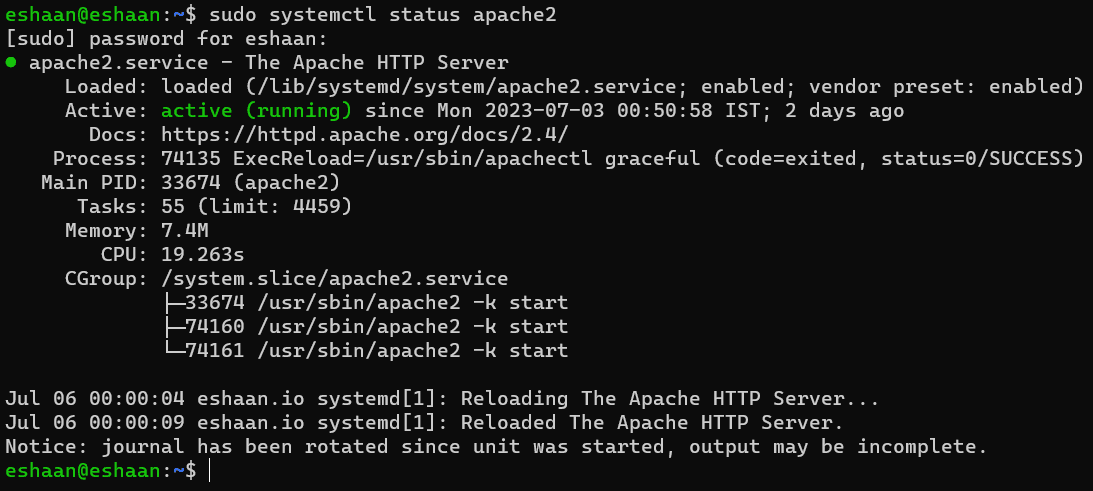
The goal here was to put a static React build on the internet from the server itself.
-
Install Apache.
textsudo apt install apache2 -
Build the React project on your machine. This produces an optimised
builddirectory.textnpm run build -
Copy the build into Apache's document root.
textsudo cp -r build/* /var/www/html/ -
Create a virtual host for the site.
textsudo nano /etc/apache2/sites-available/your-website.conftext<VirtualHost *:80> ServerName your-domain.com DocumentRoot /var/www/html </VirtualHost> -
Enable the site and restart Apache.
textsudo a2ensite your-website.conf sudo systemctl restart apache2
The site is now served at the domain or IP in ServerName. From here it is the usual hardening: file permissions, a certificate from Let's Encrypt for HTTPS, and keeping Apache and the build up to date.
Part 3: Network storage with Samba
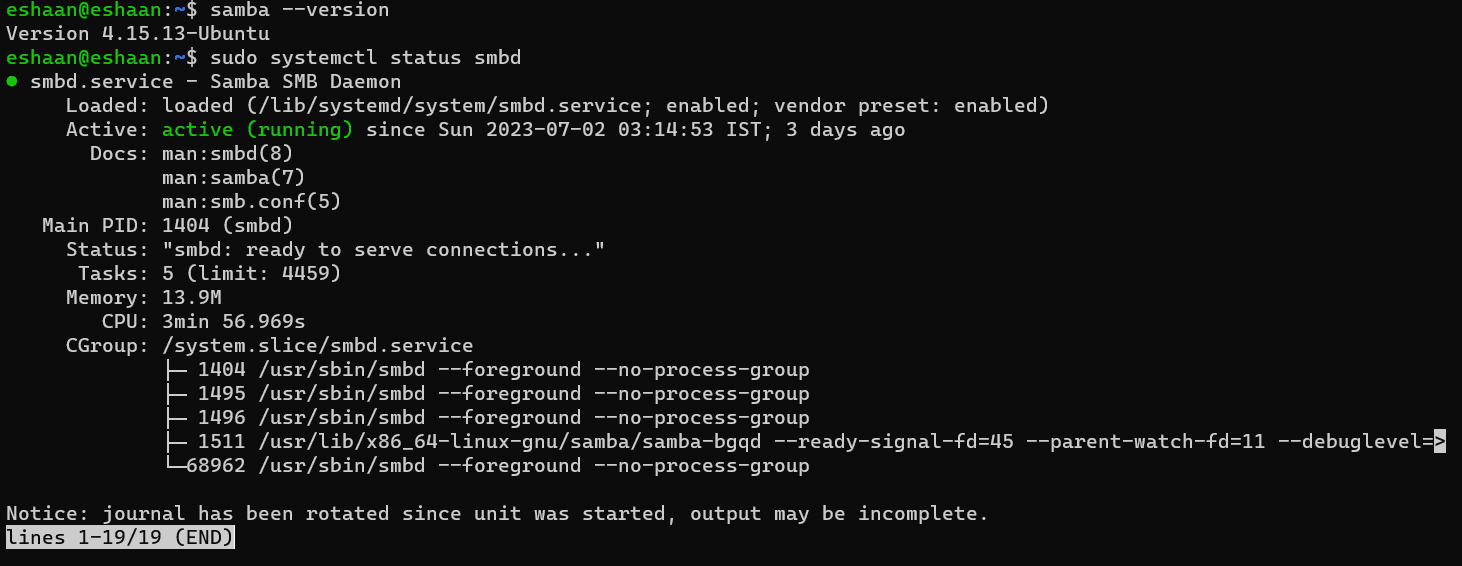
Samba is what turns the laptop into a NAS. One shared folder, visible to every device on the network.
-
Install Samba.
textsudo apt install samba -
Create the folder to share and add a share definition to the end of
/etc/samba/smb.conf.textmkdir -p ~/share sudo nano /etc/samba/smb.conftext[share] path = /home/<user>/share browseable = yes read only = no valid users = <user> -
Give the Linux user a Samba password and restart the service.
textsudo smbpasswd -a <user> sudo systemctl restart smbd -
Mount it from any client:
\\<server-ip>\shareon Windows,smb://<server-ip>/shareon macOS and Linux file managers.
What I learned
- A laptop makes a surprisingly good server: silent, low power, and the battery is a free UPS.
- Putting SSH on a different port keeps the auth log readable. It is not security on its own, but it filters out almost all of the automated noise.
- Apache plus a static build is the simplest possible deploy. There is nothing to keep alive and nothing to crash.
References
HEAD · 76c26ad0 FOLDERS · 1 FILES
- README.mdrewrite readme around the product: ssh, apache hosting and samba nas2h ago
Showing the top two levels. Files aren't browsable: this is a portfolio, not a mirror.
6 COMMITS · 2 AUTHORS
MON, OCT 5 20261 COMMIT
- 76c26adrewrite readme around the product: ssh, apache hosting and samba nasClaude2h ago2h ago
THU, JUL 6 20231 COMMIT
- 818ed26Update README.mdEYJul 2023Jul 2023
WED, JUL 5 20234 COMMITS
- 32a2743Update README.mdEYJul 2023Jul 2023
- a6ddbcdUpdate README.mdEYJul 2023Jul 2023
- 909928bUpdate README.mdEYJul 2023Jul 2023
- ea97068Initial commitEYJul 2023Jul 2023
That's every commit.