Travel agency config dashboard
A config management dashboard for a travel agency.
- React
- COMMITS
- 3
- FIRST
- Jul 2023
- LAST
- Jul 2023
- ACTIVE MONTHS
- 1
Travel App
A config management dashboard
Setup
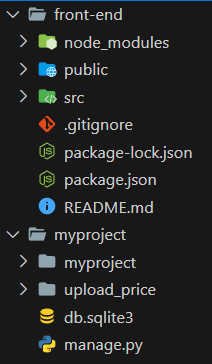
The app contains 2 folders, myproject for the Django-base backend that exposes REST-APIs and the React-based frontend, which exposes the frontend part of the entire web-app.
To run the Django app, change to the myproject directory and spin the django server up:
text
cd myproject
python manage.py makemigrations
python manage.py migrate
python manage.py runserver
Now let's spin the front end up, make sure to install the npm packages
text
cd front-end
npm install
npm start
we're good to go @http://localhost:3000/
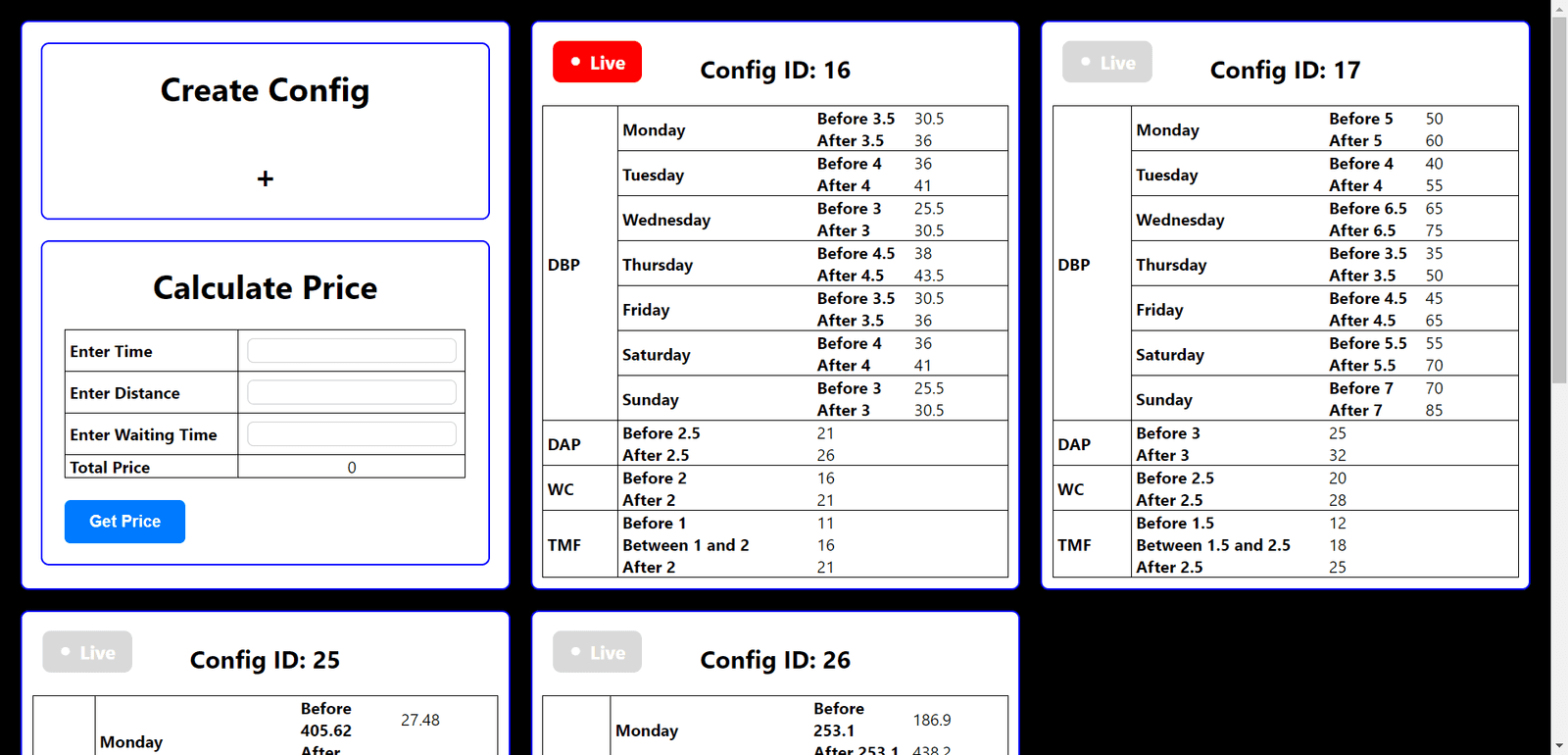
Creating Configs
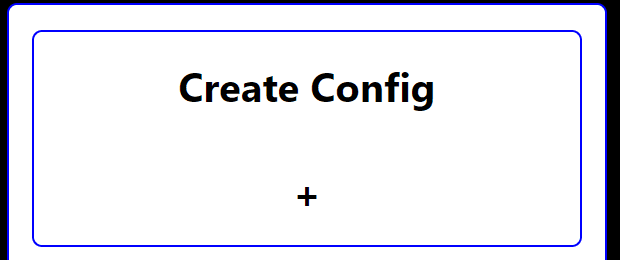
- Select the create config option.
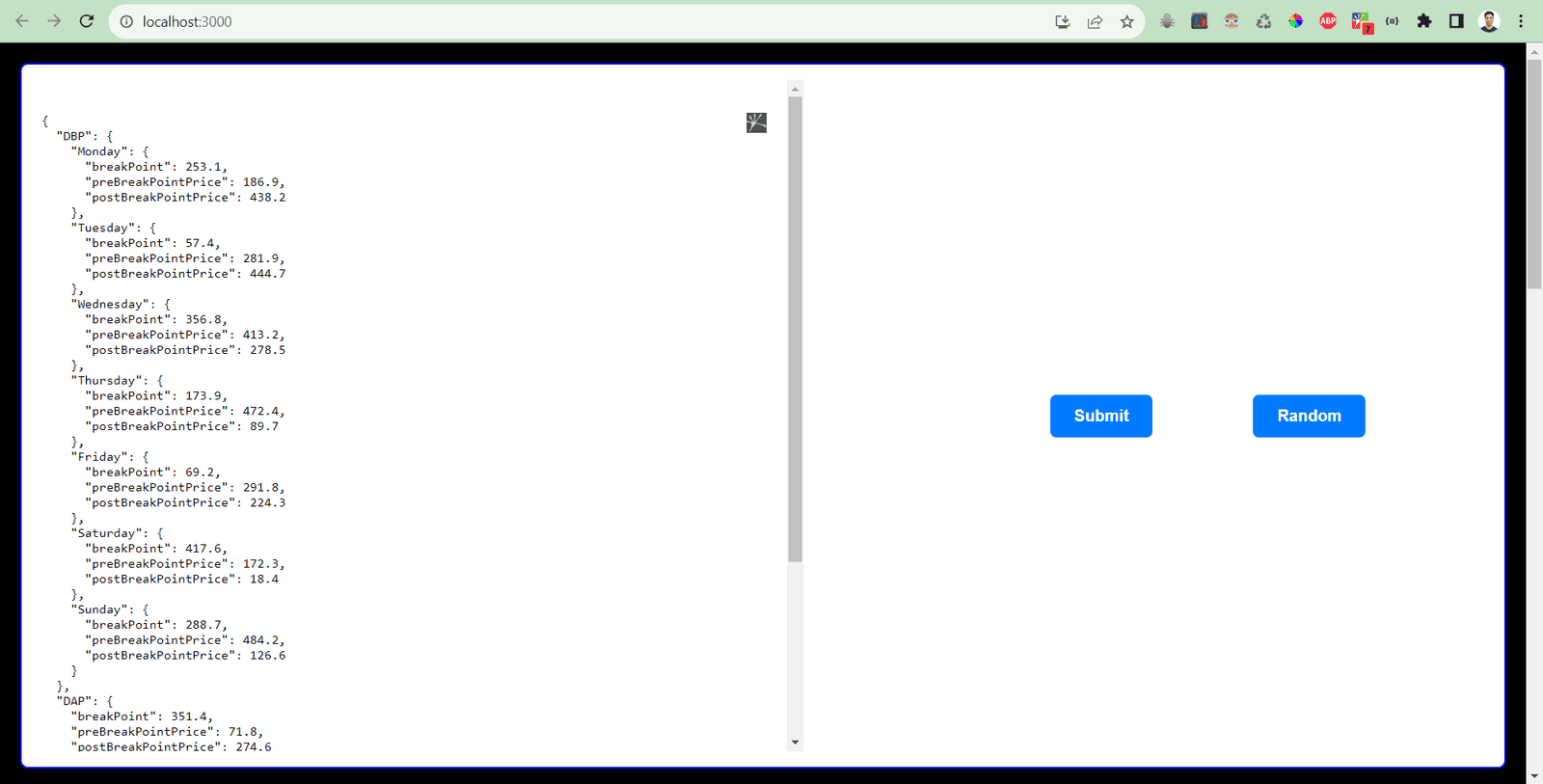
- Since there were a lot of values, I decided to handle the form randomly!
- Use the
Randombutton to generate a random config, and then hit submit. - This creates a config and fetches the entire data, again.
Live Toggle
- The app allows us to change the Live flag of a config.
- Note that, only 1 and atleast 1 config is live at any time.
- On calling the live function, the older live value is removed and the newer config set it's live flag to true.

Calculating Live Config Price
- Price calculation takes place using 3 parameters,
distance,time, andwaiting time. - It uses the values from the Live config only.
- It supplies the values as an object.
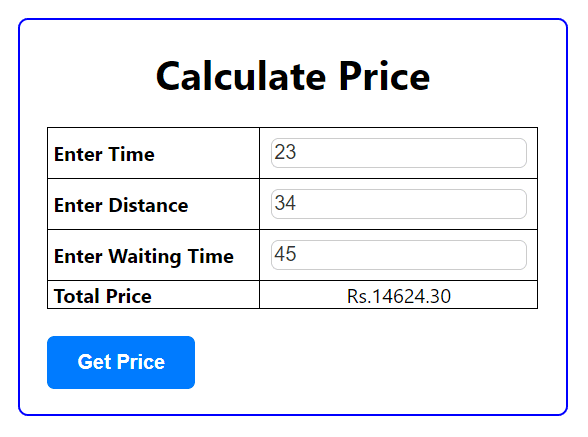
Easter Egg - Data Visualizer
- Click any table of config, and the line graph for the Day based pricing pops up.
- Provides a simple representation for debugging purposes
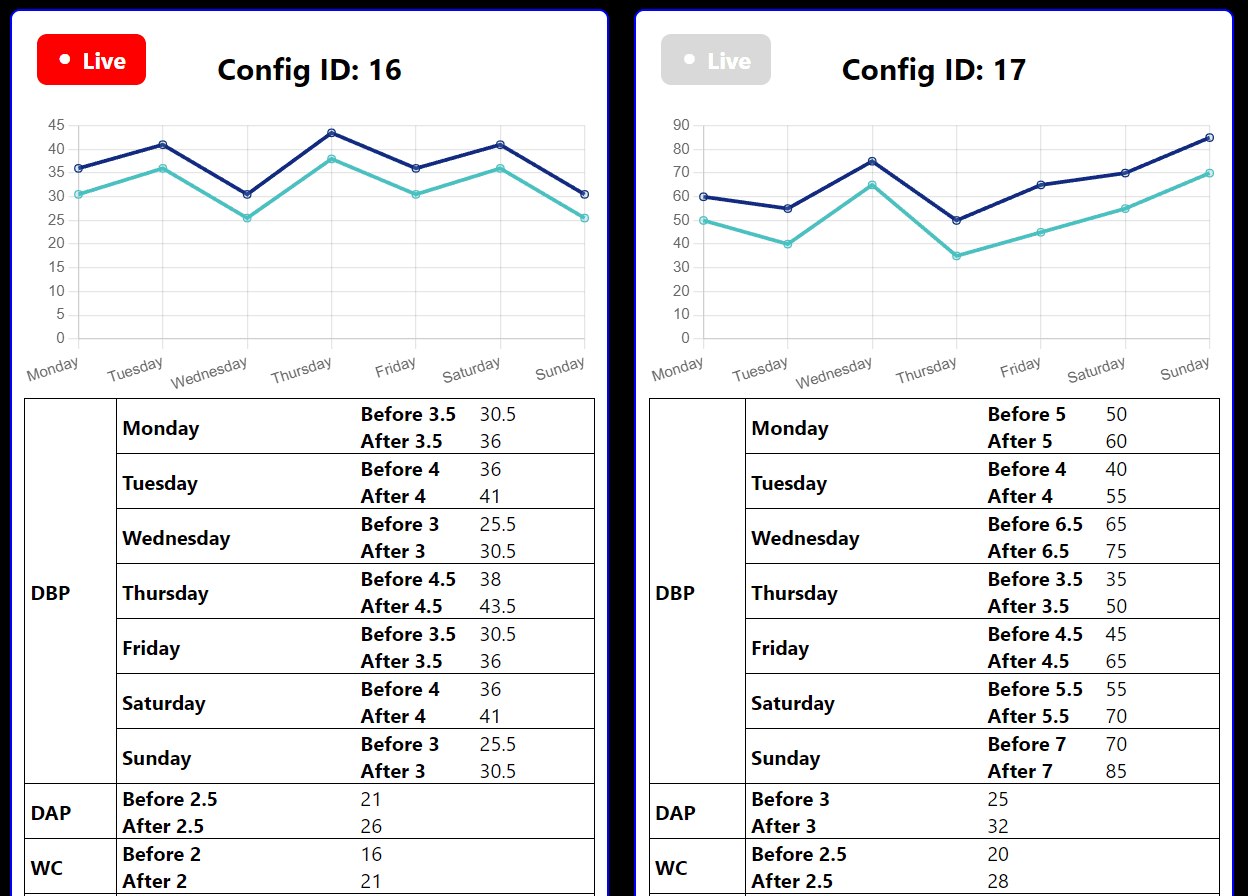
HEAD · e98b27a12 FOLDERS · 61 FILES
- front-endfirst-commitJul 2023
- myprojectfixesJul 2023
- .gitignorefirst-commitJul 2023
- README.mdfinal readeJul 2023
Showing the top two levels. Files aren't browsable: this is a portfolio, not a mirror.
3 COMMITS · 1 AUTHOR
SUN, JUL 23 20233 COMMITS
- e98b27afinal readeEYJul 2023Jul 2023
- 38f17f9fixesEYJul 2023Jul 2023
- 4bcbc66first-commitEYJul 2023Jul 2023
That's every commit.